
AtomX Pass makes student Chromebook logins quicker and simpler

-
Tags:
- schools
- office 365
Shared Chromebooks are a good fit for primary classrooms. The hitch is the start of the lesson: a trolley of devices, a queue of children, and a username that is easy to mistype.
AtomX Pass is how AtomX makes student logins quicker and simpler. Landing pages come from Atom’s student account creation tools and are set as the Chromebook homepage in managed guest mode, so every shared device opens on the same simple school page.
How pupils sign in
With AtomX Pass, the page shows class cards, then student cards. A pupil taps their class, taps their name, and only has to type a password. The username is already filled in. From there they are into Microsoft 365 and the school’s education apps.
That is the whole point: less time at the trolley, more time on the lesson. No long usernames to remember. No hunting for the right login screen.
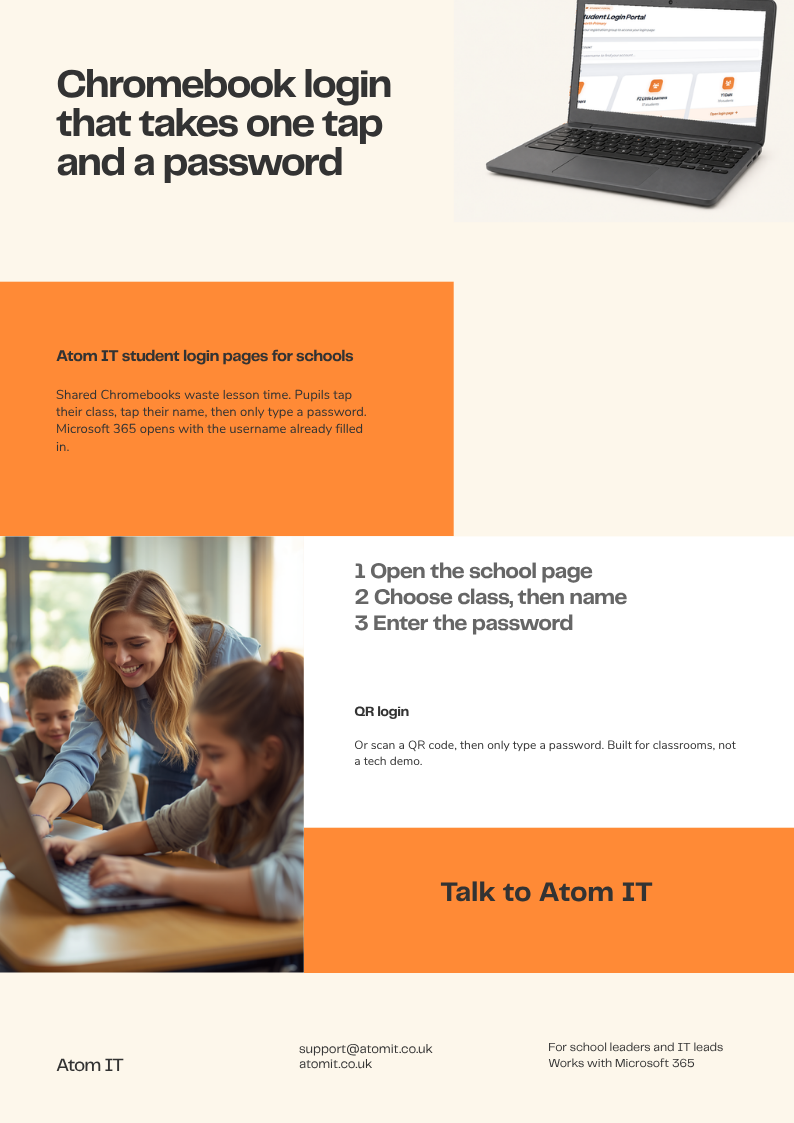
QR login
AtomX Pass also has a QR login add-on for passwordless access. Pupils scan, rather than tap through the cards, and they are in just as quickly.
Who it is for
AtomX Pass is free for schools Atom already supports. Schools we do not support can have it as a paid service.
If you would like AtomX Pass set up for your school, talk to Atom IT.
Latest Articles
-
Atomas - your education personal Ai assistant
Published on: Thursday 26th February 2026
-
Serverless Network Rollout
Published on: Wednesday 8th January 2025
-
Empowering Teachers with Apple Classroom: A Game-Changer for Managing Student iPads
Published on: Sunday 5th January 2025
Our Services

365 and Azure Support
Read More
SME IT Support
Read More
Consultancy
Read More
Hardware Solutions
Read More
Internet Services
Read More
IT Support
Read More
Networks and WiFi
Read More
Cloud Print Solutions
Read More
Safe and Secure Web Browsing
Read More
Software Solutions
Read More