

High quality handsets
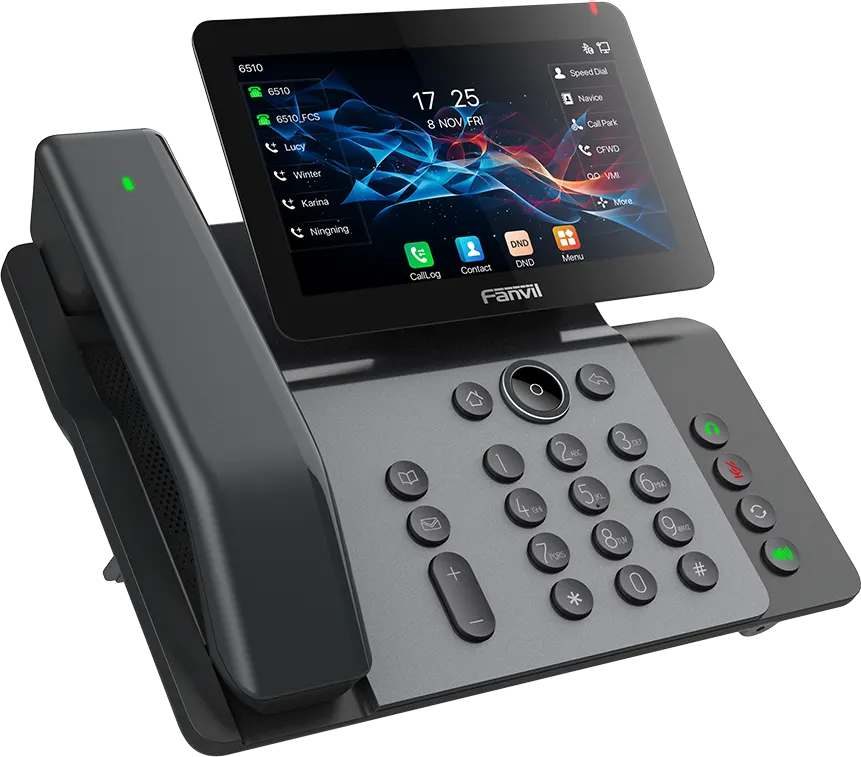
Choose from a huge range of handsets, from simple devices for light use to call centre functionality. We also provide wireless handsets, headsets and a range of ancillary equipment.
VoIP & emergency broadcasts
For schools, our hosted Yeastar phone system is more than desk phones—it is where AtomX Alerts meets everyday communications. Lockdown and site alerts from the AtomX Alerts centre reach every AtomX Comms handset and staff laptops, so leaders can act on your emergency plans quickly. For businesses, the same platform delivers enterprise-grade telephony, Microsoft 365 integration and clear call analytics.

What's included
Communication solutions that integrate with Microsoft 365 and your on-premises network.
Choose from a huge range of handsets, from simple devices for light use to call centre functionality. We also provide wireless handsets, headsets and a range of ancillary equipment.

Raise AtomX Alerts from one place and reach AtomX Comms handsets and staff laptops—communication tools that support your school's emergency procedures, not everyday telephony alone.

A full range of reports is included, from dropped calls to agent activity and call costings.
Our phone platform
Our telephony runs on AtomX Comms, our own hosted phone platform built on Yeastar. Every installation is hosted and managed by Atom IT.
That means one supplier for your phone system, handsets, emergency alerts and support, with no third-party platform in the middle.
It's also the only phone platform that plugs straight into AtomX Alerts, our whole-school alert system, so your lockdown and emergency alerts are paged to every handset in school.

AtomX Comms in Atomas
AtomX Comms is integrated into Atomas, so you can monitor your whole phone system from the same place your staff already use every day.
At a glance you can see how many handsets are live, whether your phone lines are working, which callers need ringing back and how many voicemails are waiting. Call stats for the last seven days show average answer time alongside answered, missed and outgoing calls, and every extension's status is listed by name.
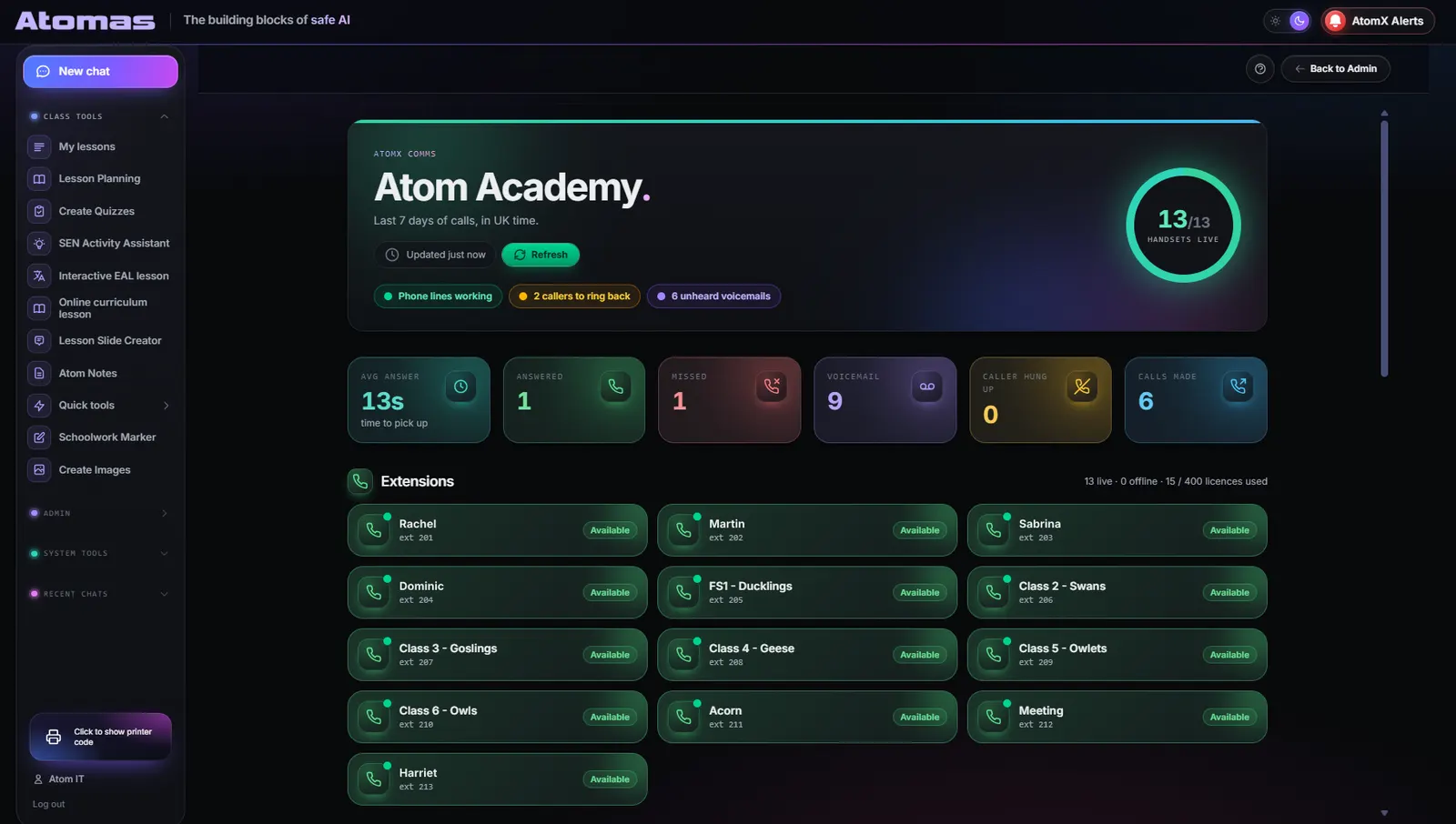
The AtomX Comms dashboard inside Atomas. Example school and staff names.
Beyond the handset
Maybe for some, but certainly not for us. With our integrations into Microsoft 365 as well as on-premises networks, we can provide communication solutions that go way beyond the handset.
And of course, the "just phones" part works flawlessly too.
AtomX Alerts + Yeastar paging
When something goes wrong, schools need to reach staff quickly. AtomX Alerts integrates with our hosted Yeastar platform, so an alert sent from the AtomX Alerts site alert centre reaches every AtomX Comms handset and staff laptops at the same time.
Staff see the alert on their laptops and hear it on their handsets. That is operational and safety alerting in the tools you already use—not a standalone telephone line.
DfE guidance expects schools to plan for emergencies and communicate clearly when an incident happens. A hosted phone platform with AtomX Alerts can support those procedures; it is not a legal requirement in itself and does not replace your risk assessments, policies or KCSIE-aligned filtering.
Already using AtomX Alerts? Moving your phones to our platform means your alerts are heard as well as seen.
See DfE emergency planning guidance for what school plans should cover, and our school ICT support for how phones and alerts sit in your wider package.
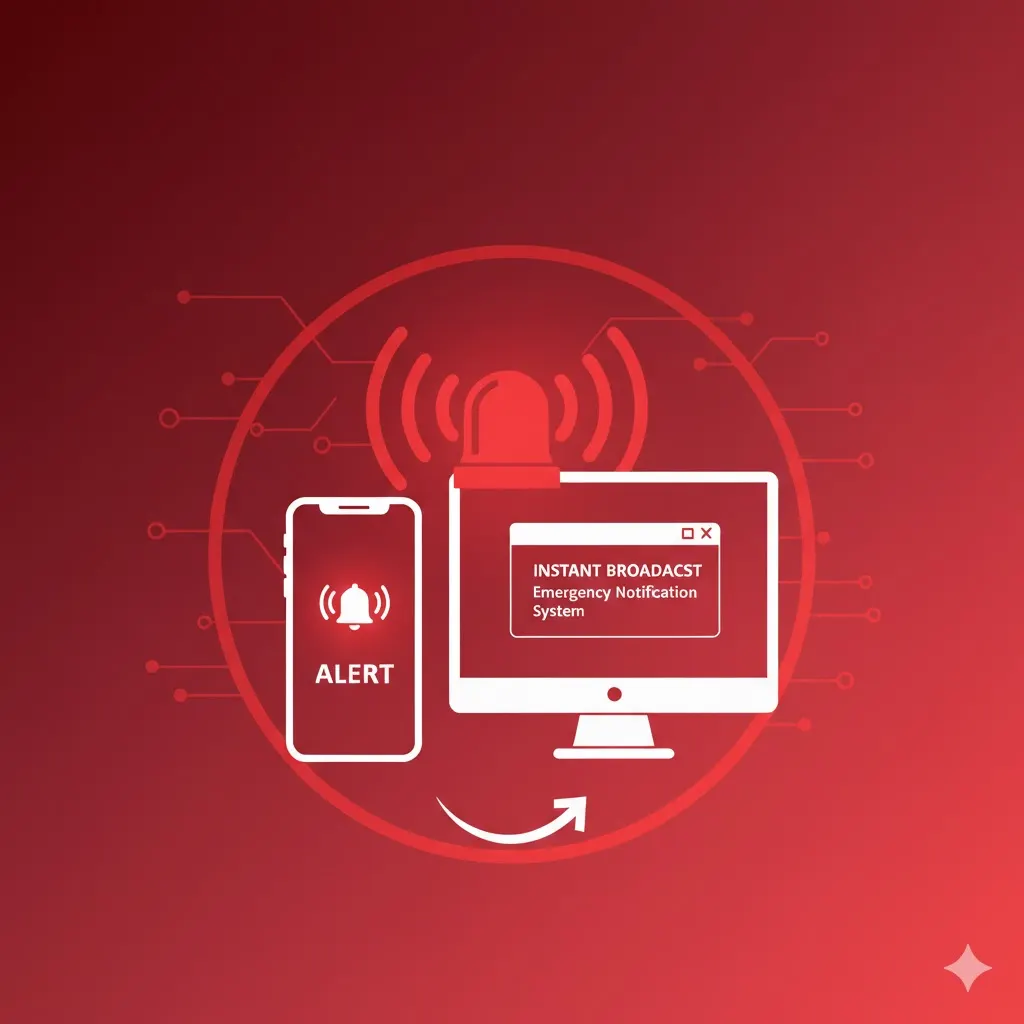
AtomX Comms, our own hosted phone platform built on Yeastar and run and supported by Atom IT. Your handsets, alerts and support all come from one team.
Yes. We move schools and businesses from their existing phone systems onto our hosted Yeastar platform. Get in touch and we'll talk you through it.
Yes. AtomX Comms is integrated into Atomas, so you can see live handsets, line status, missed calls to ring back, unheard voicemails, answer times and the status of every extension from within Atomas.
A huge range, from simple devices for light use through to call centre functionality. We also provide wireless handsets, headsets and ancillary equipment.
Yes. Our solutions integrate with Microsoft 365 as well as on-premises networks. Emergency alerts are separate from that: they go to staff laptops and AtomX Comms handsets.
To staff laptops and to every AtomX Comms handset, via our hosted Yeastar platform. Used with AtomX Alerts, that gives schools a way to reach staff during an incident—alongside the telephony you use every day.
Yes. AtomX Alerts integrates with our hosted Yeastar platform, so alerts sent from the AtomX Alerts site alert centre are delivered as paging broadcasts to your handsets as well as to every subscribed screen. This integration is only available on our own phone platform.
Schools must plan for emergencies under health and safety law and DfE guidance. AtomX Alerts on our Yeastar platform helps you communicate during an incident—it supports your procedures but is not mandatory, is not a compliance certificate and is separate from safeguarding filtering or monitoring.
A full range of reports is included, covering dropped calls, agent activity and call costings.
Related services
Free for schools, trusts & businesses
We'll review your devices, networks, filtering, backups and cyber security, benchmarked against the DfE digital and technology standards for schools, then show you exactly where things can be simpler, safer and cheaper.