
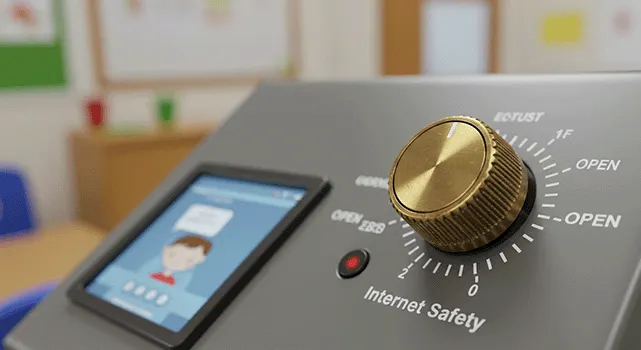
Total control of your filter
Open up or block sites and add keywords that cannot be used. You have total control over your settings with no need to call IT support to get things done, although we're always here to help.
Safe internet for schools
Cloud filtering saves money on expensive onsite equipment and rolls out easily to your Windows, Apple and Google devices, wherever they are. Instant alerts, daily reports and KCSIE-ready monitoring come as standard.
What's included
Cloud filtering removes the need for expensive onsite equipment and covers Windows, Apple and Google devices wherever they are used.
Open up or block sites and add keywords that cannot be used. You have total control over your settings with no need to call IT support to get things done, although we're always here to help.

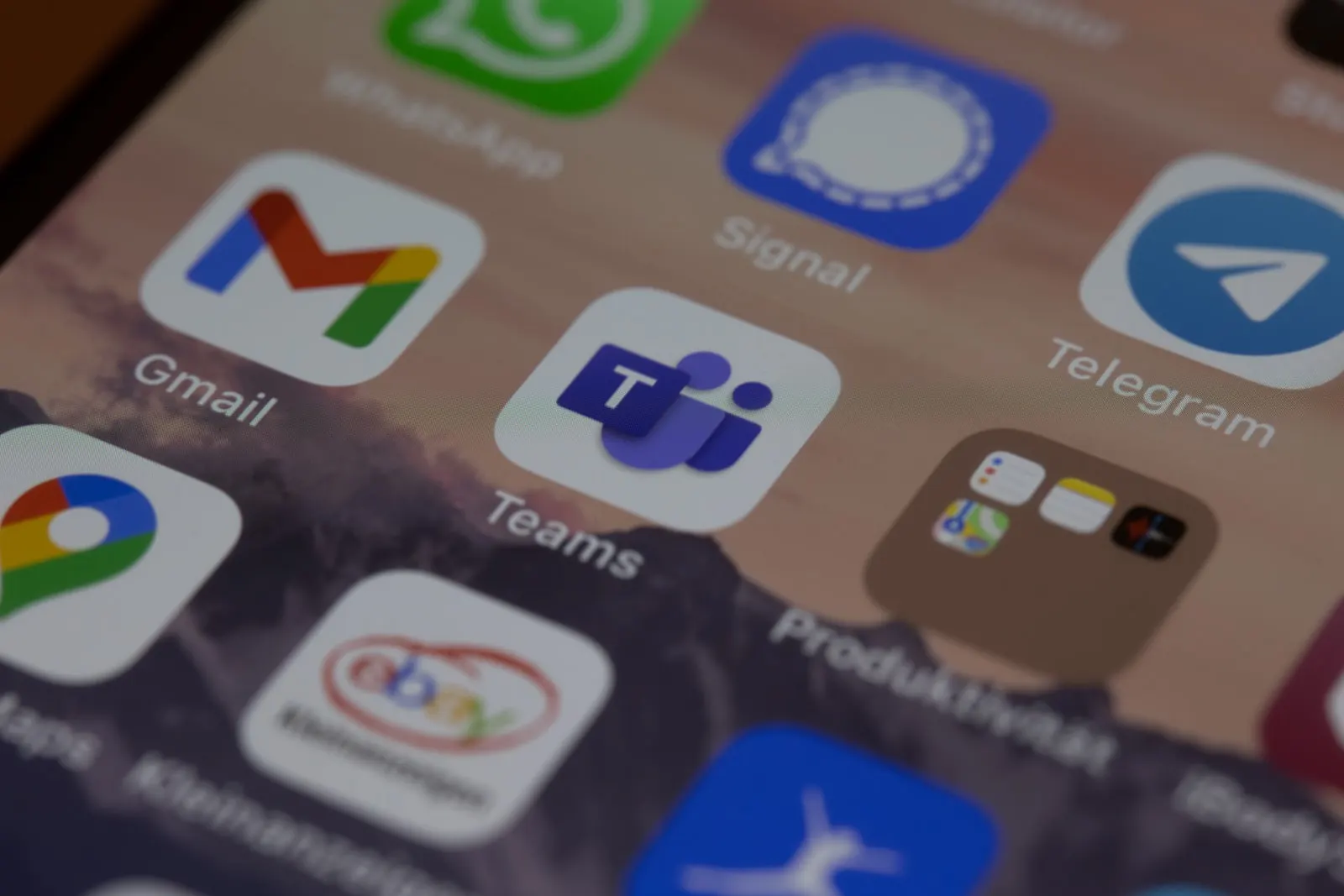
Laptops, iPads and Chromebooks are all covered, as well as BYOD devices, screens and personal assistant devices.

Instant alerts for self-harm activity, bullying and adult sites and keywords. Alerts go to your safeguarding team, who can see the alert and the activity that led to it.
Detailed reports delivered to your inbox at regular intervals. Every KCSIE category is reported on, with usernames and timestamps for each triggered breach.
Meets all the requirements for filtering and monitoring within the UK Safer Internet accreditation scheme.
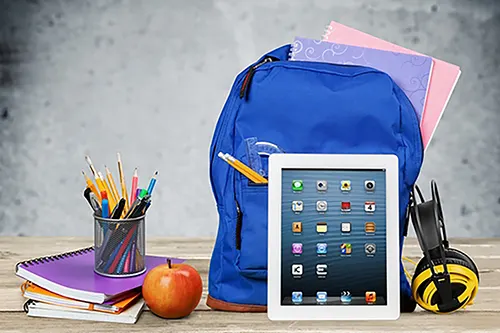
School-owned staff and pupil devices continue to be filtered and monitored when used at home, reducing malware and protecting devices from inappropriate use.
Accredited filtering
Our filtering meets all the requirements for filtering and monitoring within the UK Safer Internet accreditation scheme, helping you meet your obligations under Keeping Children Safe in Education (KCSIE).
Every KCSIE category is covered in your scheduled reports, with usernames and timestamps for each triggered breach, so your safeguarding team always has the evidence it needs.
Yes. It meets all the requirements for filtering and monitoring within the UK Safer Internet accreditation scheme, and scheduled reports cover every KCSIE category.
Laptops, iPads and Chromebooks are all covered, along with BYOD devices, screens and personal assistant devices, across Windows, Apple and Google platforms.
Yes. School-owned staff and pupil devices continue to be filtered and monitored at home, which reduces malware and protects devices from inappropriate use.
Instant alerts for self-harm activity, bullying and adult sites and keywords can be sent to your safeguarding team, who can view the alert and the activity that led to it.
Yes. You can open up or block sites and add banned keywords yourself, without needing to call IT support. We're always on hand if you'd like help.
Related services
Free for schools, trusts & businesses
We'll review your devices, networks, filtering, backups and cyber security, benchmarked against the DfE digital and technology standards for schools, then show you exactly where things can be simpler, safer and cheaper.